
What triggers a parent push
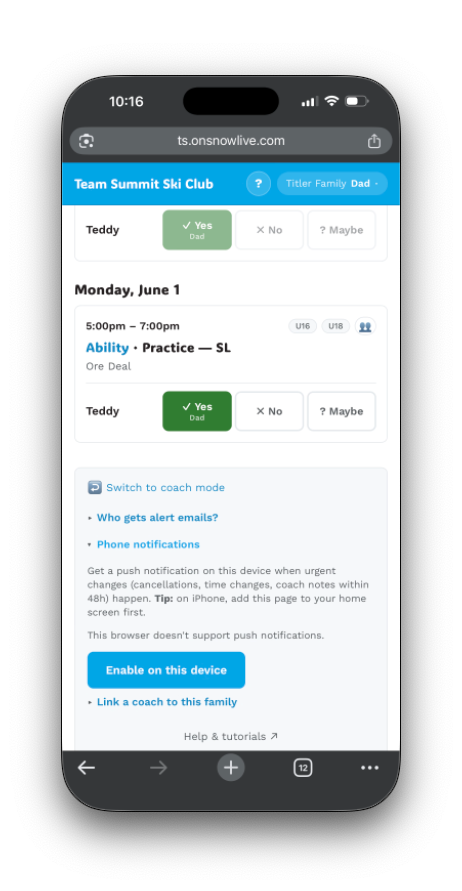
Parents who’ve enabled phone notifications on their family page get a buzz on certain coach actions. Knowing what triggers them helps you avoid accidentally spamming.
Fires push to all affected families
| Coach action | When |
|---|---|
| Cancel an event | ≤48h to start |
| Un-cancel an event | ≤48h to start |
| Change time | ≤48h to start |
| Change location | ≤48h to start |
| Change the discipline | ≤48h to start |
| Save a coach note 📌 | ≤48h to start |
| Create a new event in their group | ≤48h to start |
| Post to the channel chat | Always |
| New admin (non-bot) post in the Telegram channel | Always |
Does NOT fire push
| Coach action | Why not |
|---|---|
| Edit equipment list, event notes, registration URL, eligible categories | ”Minor” — surfaces on the family page banner, doesn’t blast |
| Any event >48h out | Goes into the next 6pm daily digest email |
| Mark attendance for a family’s athlete | Coach-only data; family sees on next page load |
| A family’s own quick-message (“Out sick”) to other families | Suppressed — only the coaches in that event get pushed |
Volume controls
Each family controls per-contact which email addresses get the daily digest. They also control whether they’ve enabled push at all and on which devices.
Coaches don’t directly control parent push volume — but the per-event RSVP deadline and the “minor change” exemption (equipment-only edits don’t push) keep the noise floor low.